


Plan your meetings directly in your Outlook calendar
Simplify meeting scheduling by connecting Beenote with Microsoft Outlook. Check participants availability, find the best meeting time faster, and automatically synchronize your meetings with their Outlook calendars without switching between tools or relying on lengthy email exchanges.
No credit card required
Real-Time Availability
Find the best meeting time as you create your agenda
As you prepare your agenda in Beenote, view participants’ availability synchronized with their Outlook calendars. Instantly see who is available for the selected time slot, choose a time that works for the greatest number of attendees, and avoid long email chains to confirm a meeting date.
Save time, reduce back-and-forth communication, and plan more productive meetings.
A quick glance at all your meetings on the agenda
Try the integration with your Microsoft Outlook Calendar.
Synchronized Calendars
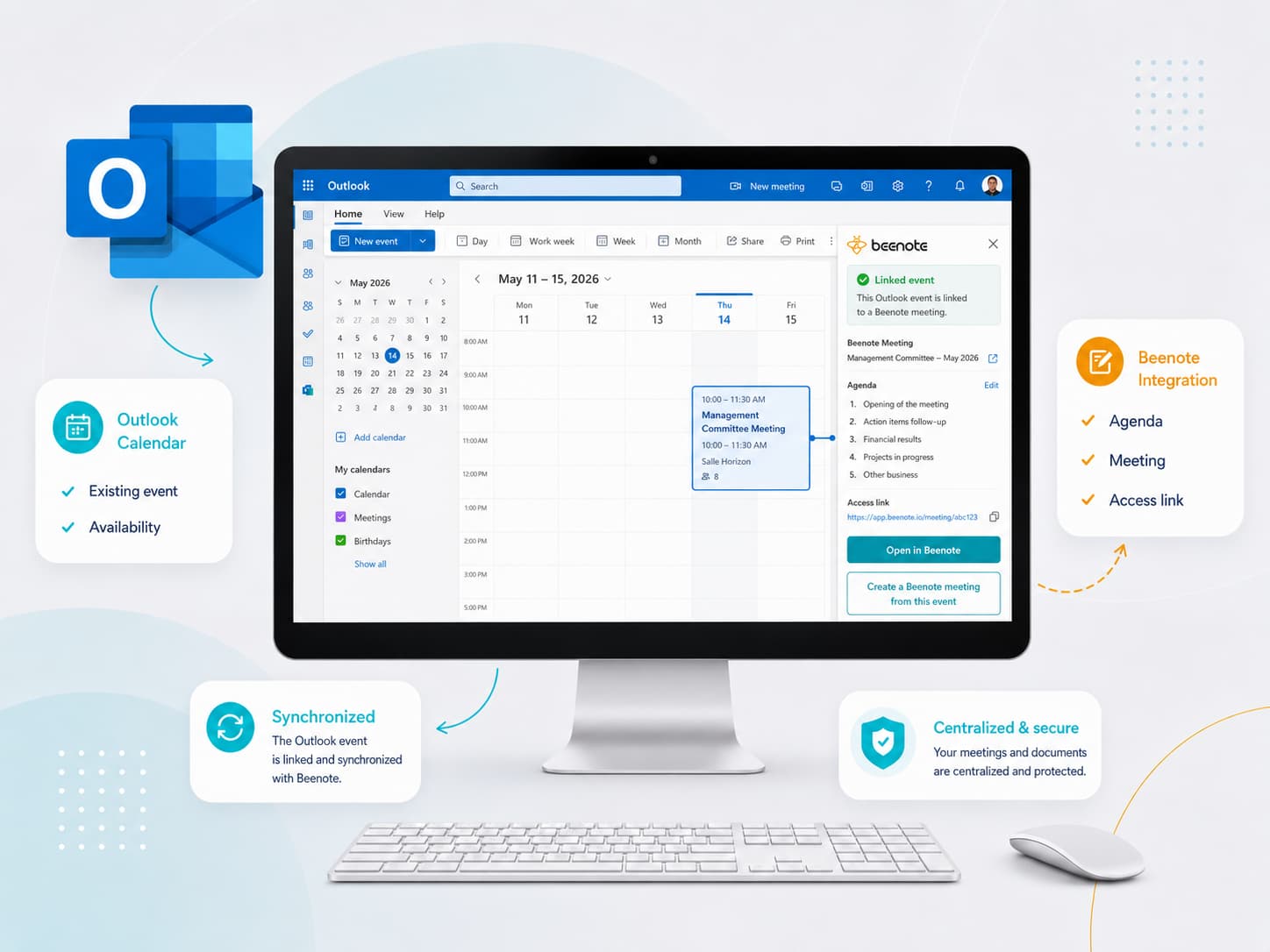
Link every Outlook event to the right Beenote meeting
Is your event already scheduled in Outlook? Simply link it to a Beenote meeting to associate your agenda, participants, documents, and all the information needed for the meeting.
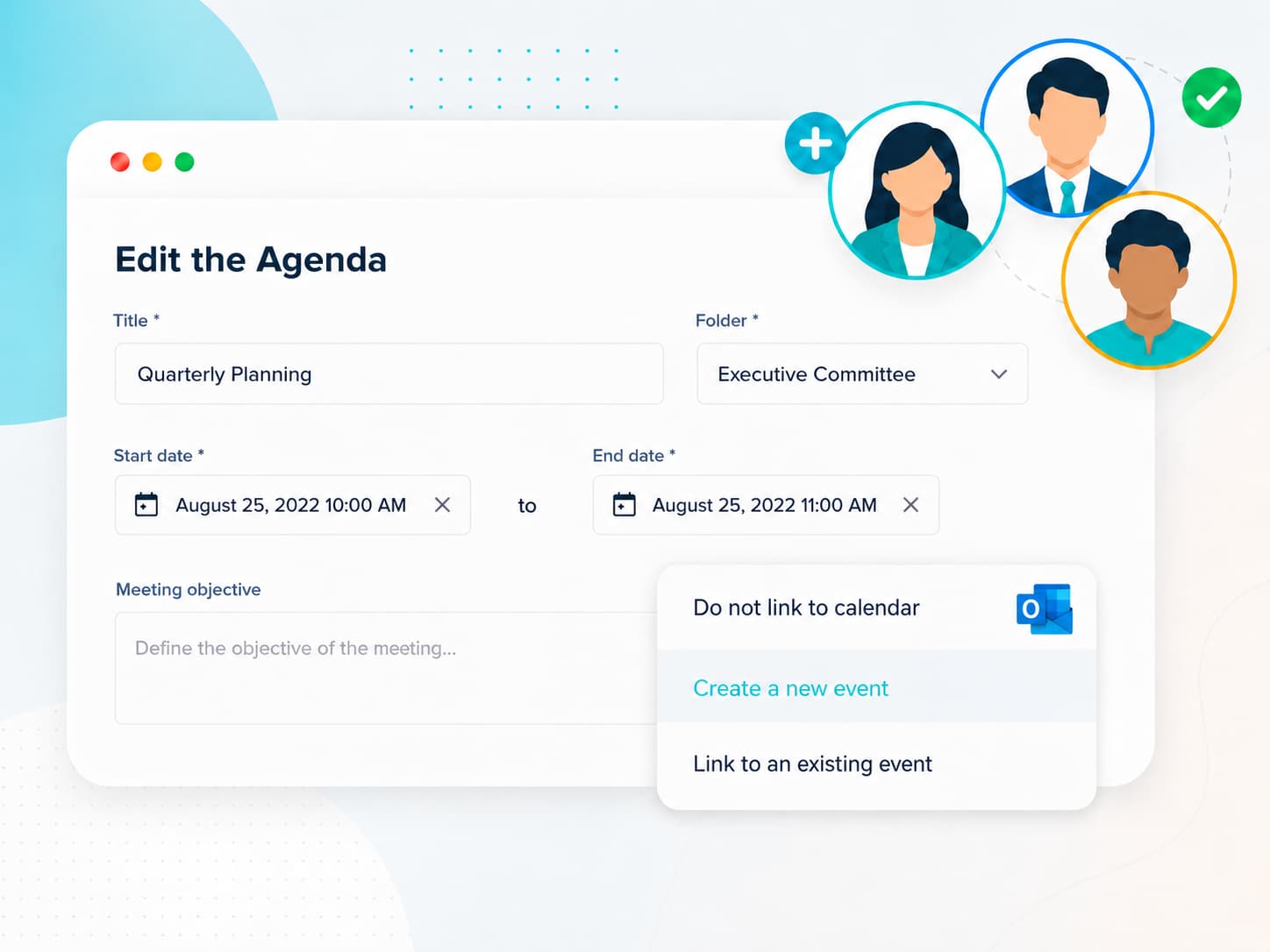
Starting from Beenote instead? Create an Outlook event directly from your Beenote meeting. The invitation is automatically added to participants’ calendars with a link that gives attendees easy access to the meeting and all its related content.
Either way, your meetings and calendars stay synchronized. Eliminate duplicate data entry, reduce the risk of missed information, and ensure every participant has access to the right details at the right time.
Beenote integrates seamlessly with Outlook
Plan your meetings easily and quickly, directly in your Microsoft Outlook calendar
Save time in meeting planning. Forget about wasting time getting to know everyone’s availability.

Participant Availability
Outlook availability checked in real time.

Optimal Meeting Time
Find the time slot that works for the majority of participants.

Integrated Agenda
Create your agenda directly from your calendar.

Calendar Confirmation
The confirmation is added to participants’ calendars.

Notifications and Reminders
Notifications and reminders are sent automatically.