


A meeting management tool to organize your operations committees, structure your meetings, and track your actions.
With Beenote, your operational teams can plan their meetings, collaborate effectively, track decisions and turn every meeting into concrete actions.
No credit card required
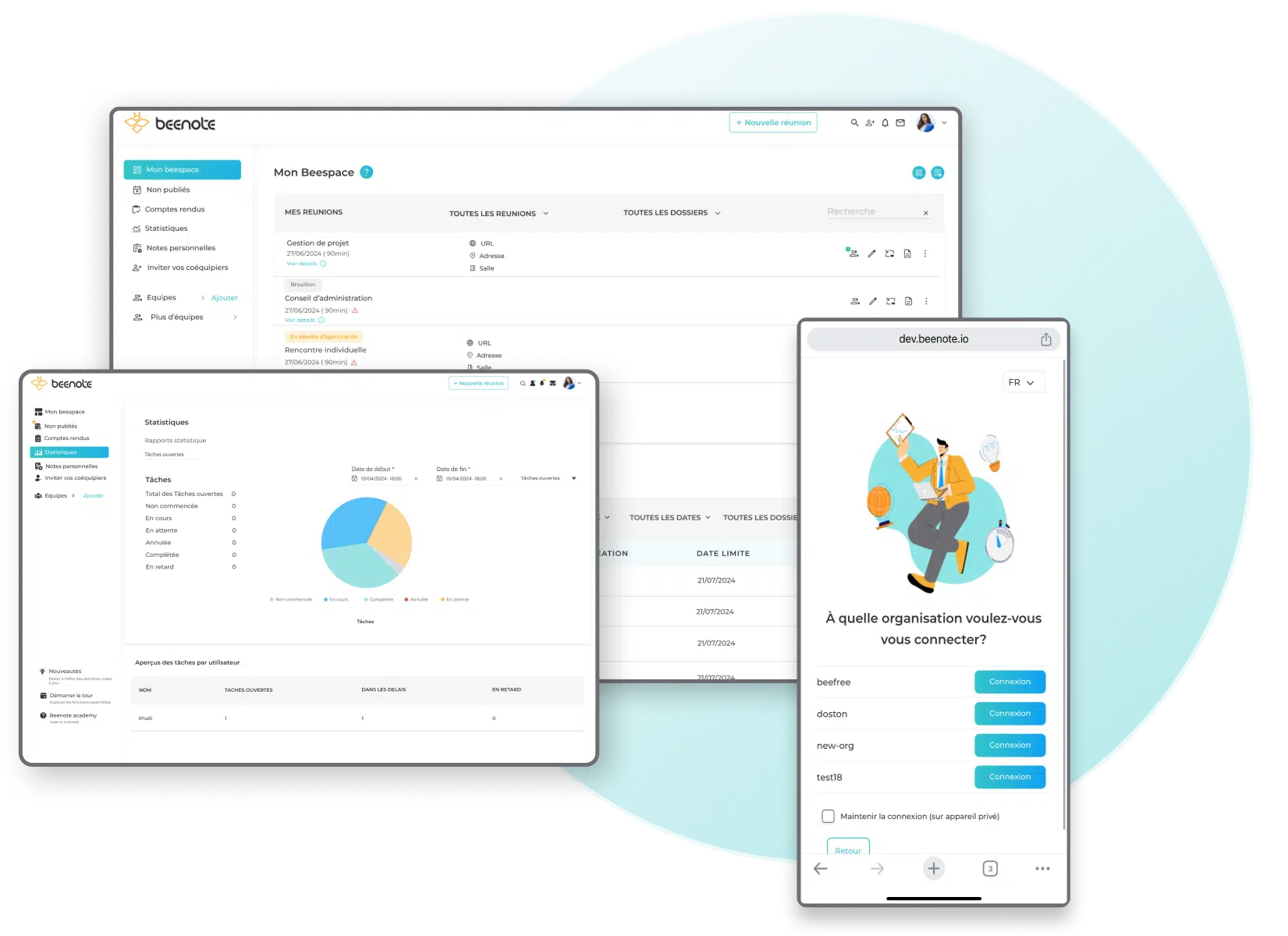























A clear 5-step approach
The only tool to keep your
operational teams moving forward
Operational teams must manage shifting priorities, coordinate multiple stakeholders, and ensure consistent follow-up on decisions.
Beenote centralizes your meetings, meeting minutes, tasks, and follow-up in one collaborative platform.

Schedule Management
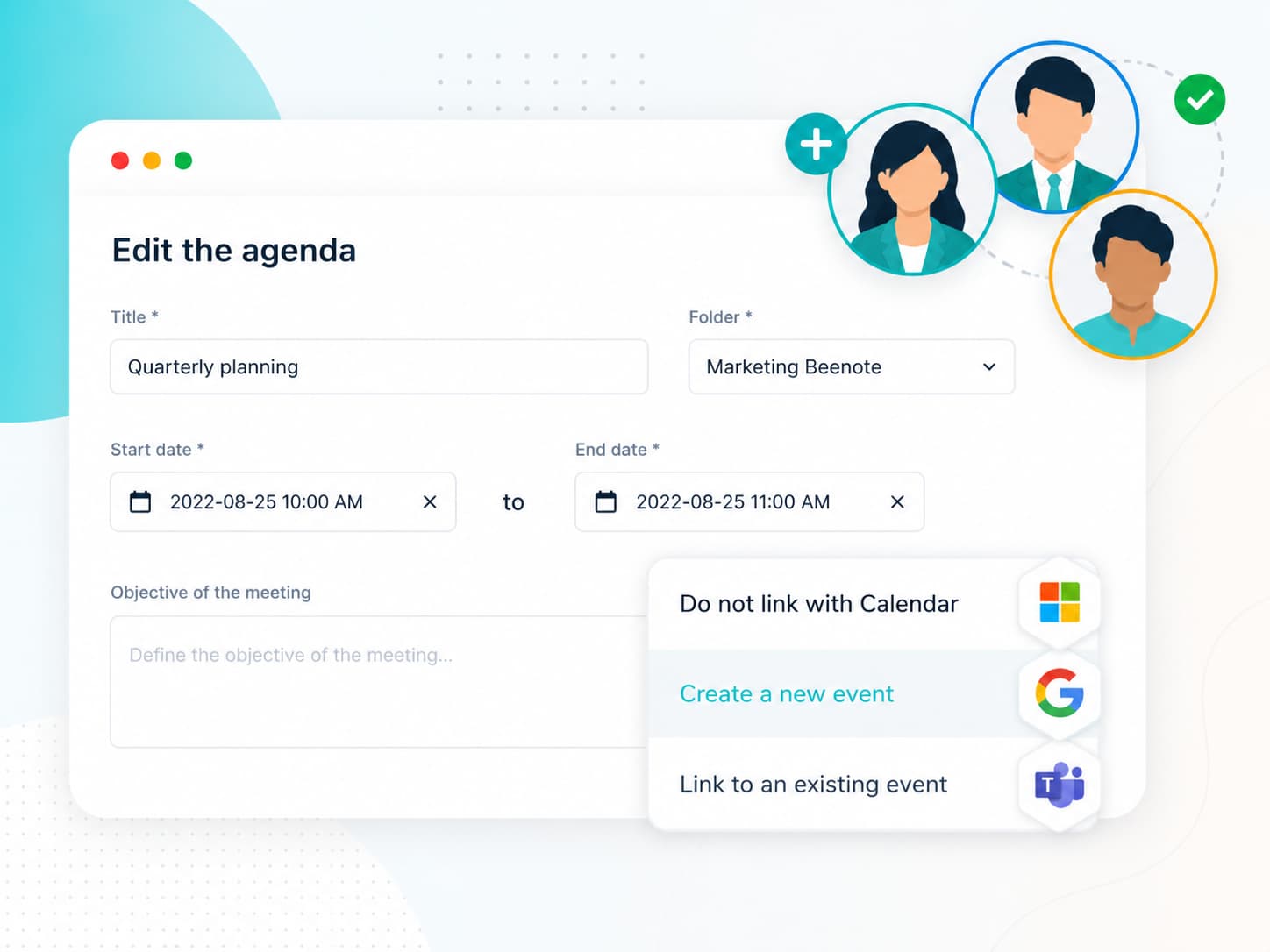
Meeting calendar integration.

Agenda
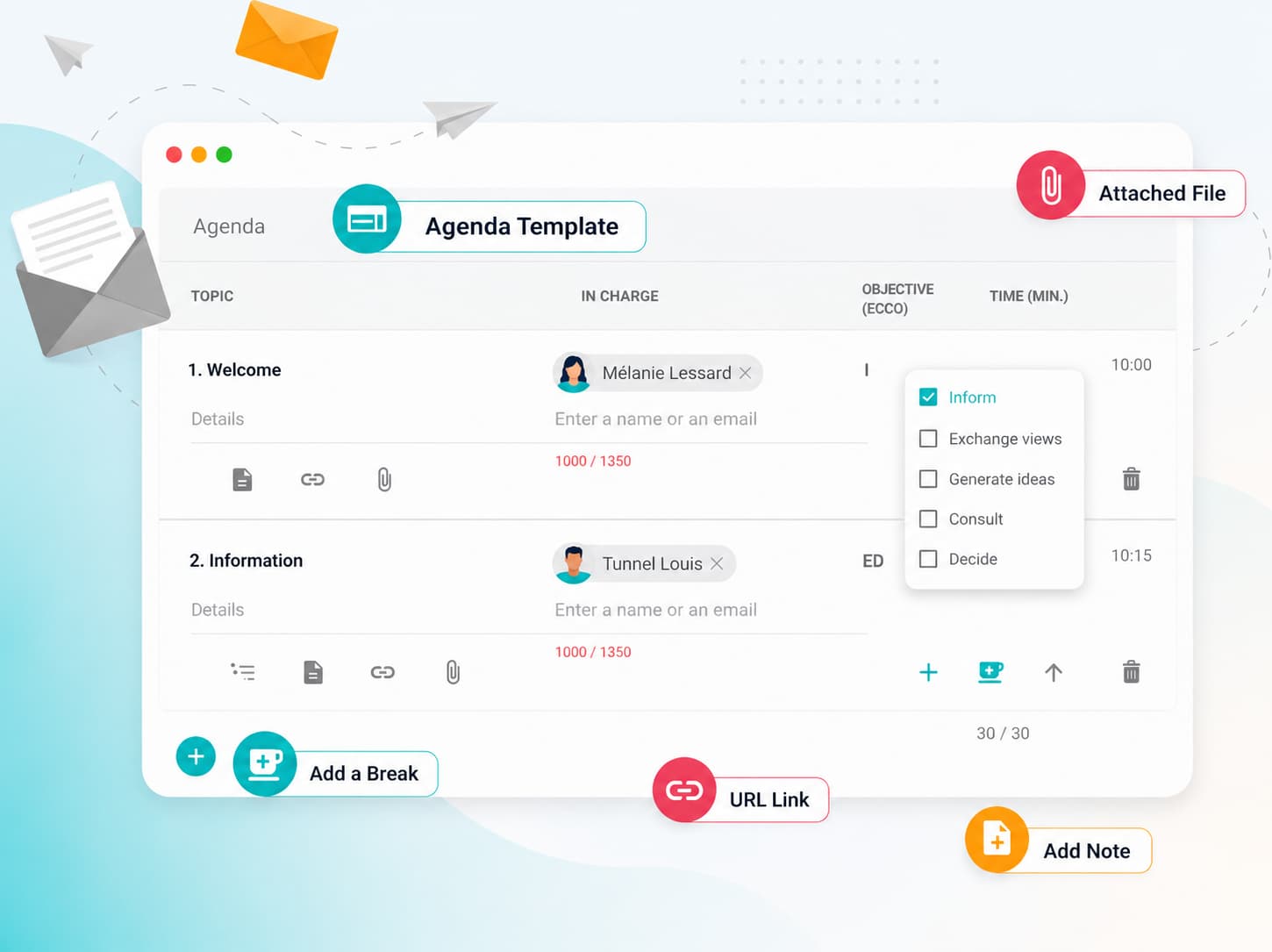
Agenda planning for more effective meetings.

Holding the Meeting
Real-time collaboration notes.

Minutes of Meeting
Up to 80% written during the meeting.

Achievement of Tasks
Actions tracked through multiple registers.
Schedule Management
Schedule your meetings without wasting time
The Agenda
Structure your meetings with clear agendas
Prepare your meetings with a clear agenda shared in advance with participants. Each topic is structured, prioritized, and linked to the resulting decisions or actions.
Holding the Meeting
Run collaborative meetings
in real time
Everything remains centralized in a shared space.

Smart Attendance Management
Track availability in real time and guarantee quorum.

Global and by Topic Timekeeper
Control total meeting time and individual topic durations.

Assign and track tasks
Assign tasks and clearly track their progress.

Document and Annotation Management
Control access and add clear annotations.

Decision Approval
Collaborate on, support, and approve decisions seamlessly.
The Minutes of Meeting
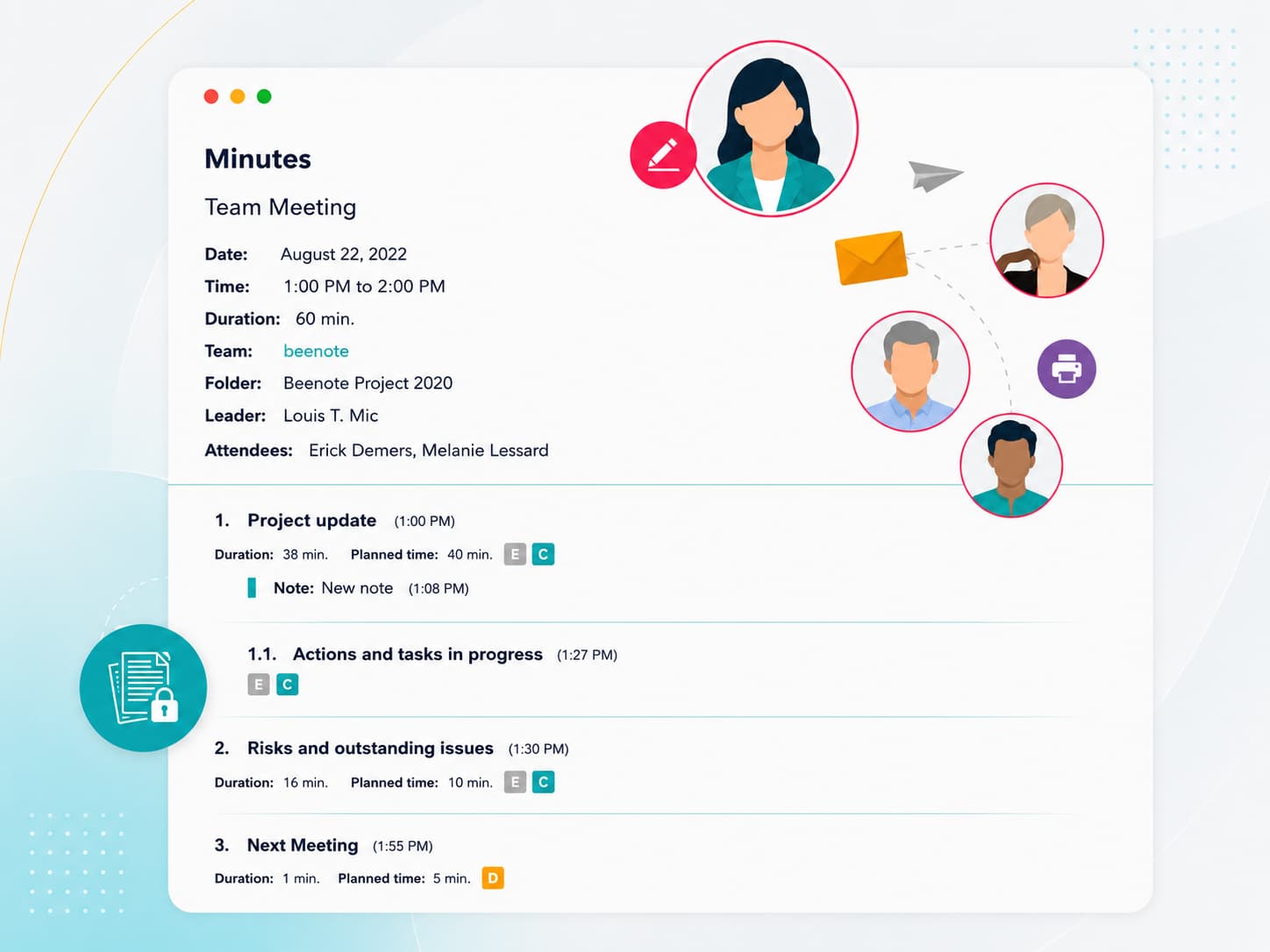
Share clear meeting minutes in just a few clicks.
Save time in writing by automatically generating minutes of meeting that you can easily print or share by email.
Have access to over 1800 options to view the minutes.
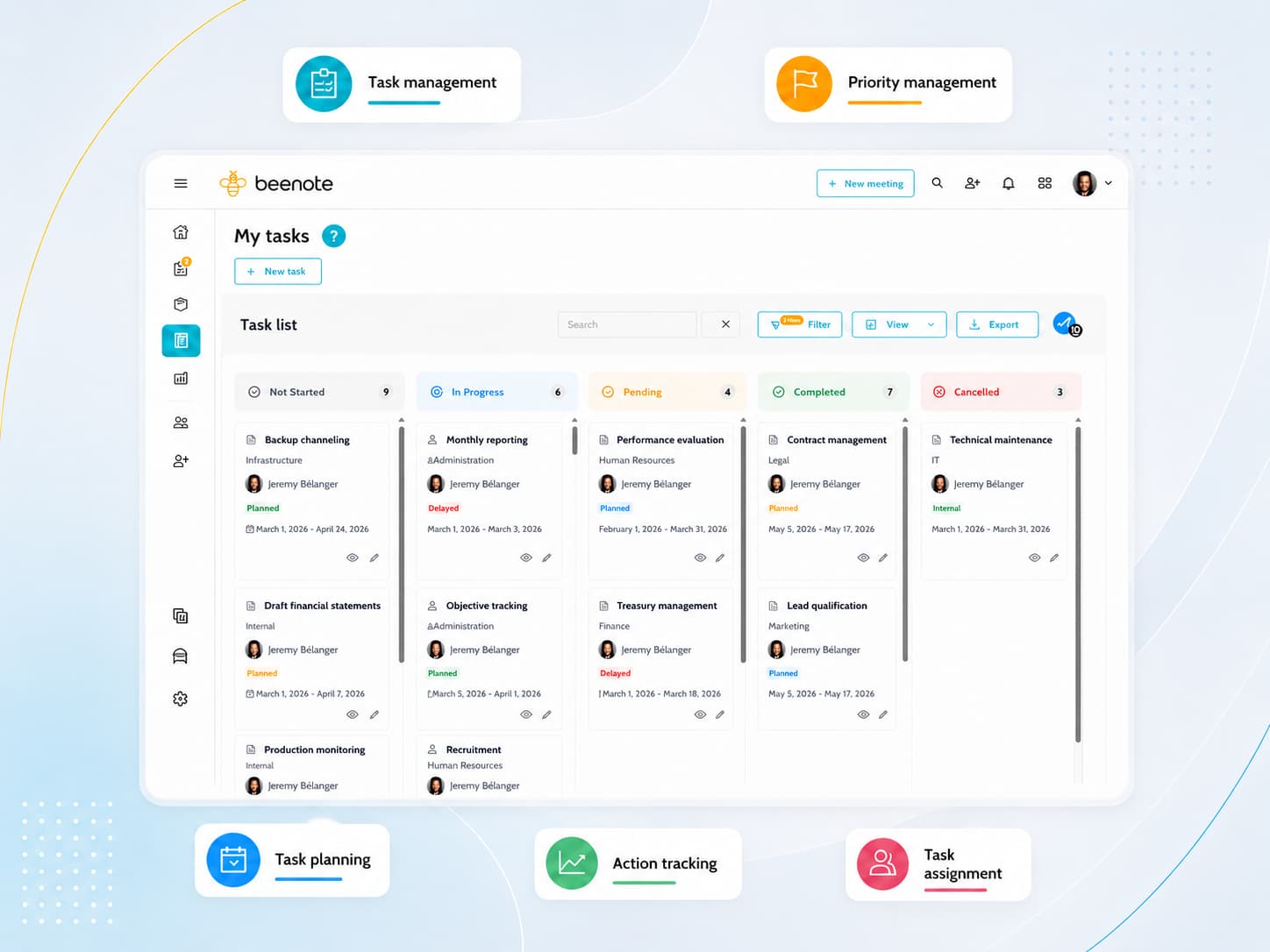
Achievement of Tasks
Keep control of your team’s tasks
Beenote allows you to assign, track, and complete tasks, and see the tangible results of your actions, helping you achieve your project goals and stay aligned with your organization’s objectives.
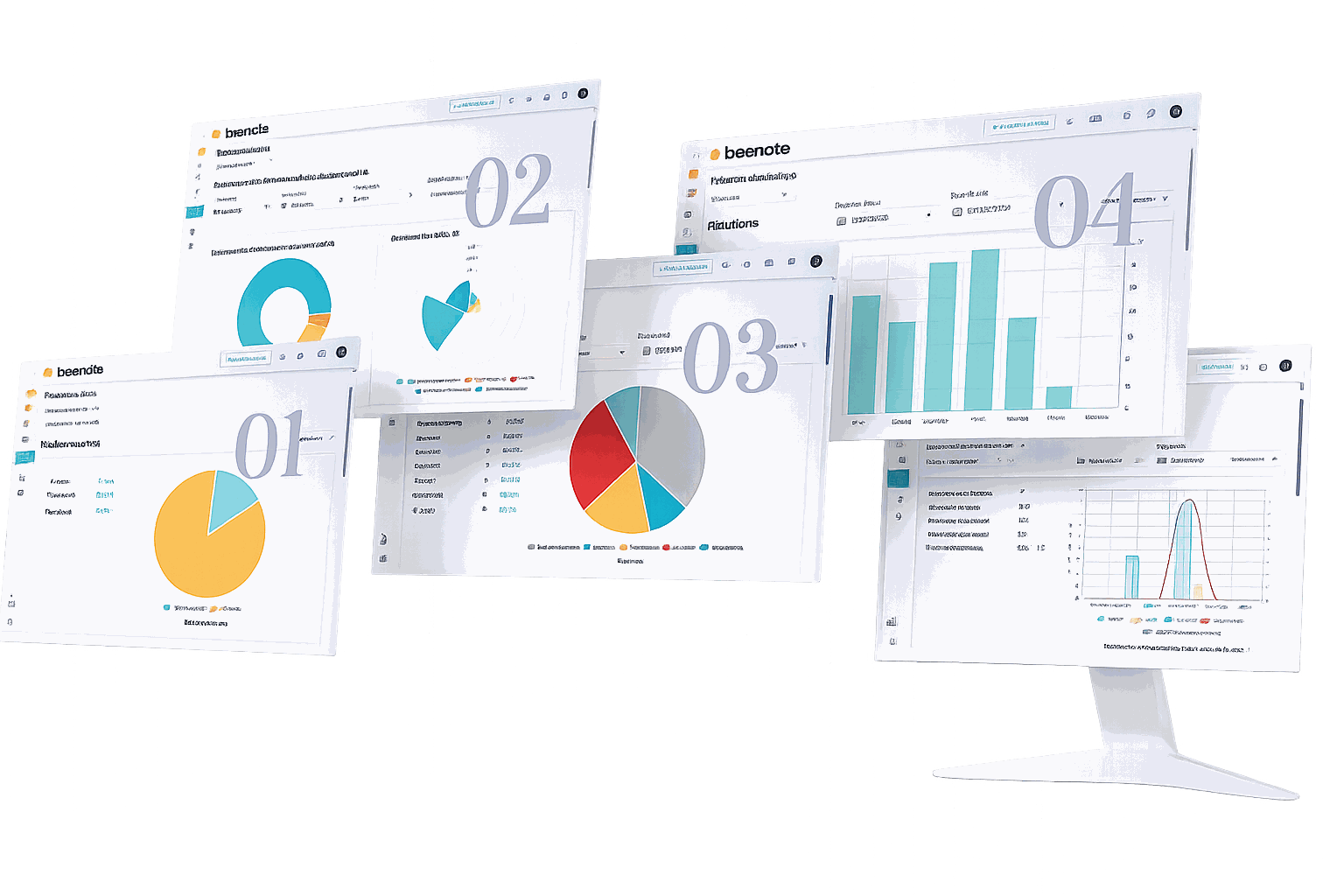
Statistics
Evaluate your operational meeting
performance
Transform your meetings into true drivers of measurable performance: Track participant engagement with precision,
the execution of decided actions, key performance indicators, and actual time optimization.
Through structured and intelligent meeting management, make data-driven decisions
and continuously improve your organization’s efficiency.

Apply good governance to your board and committee meetings
Discover how to effectively structure your board meetings.
How do Beenote teams use Beenote for their meetings?
Get inspired by best practices to better plan, track, and collaborate.
Introduce Beenote to your team with this handy brochure
Download a clear overview for your teams and managers.